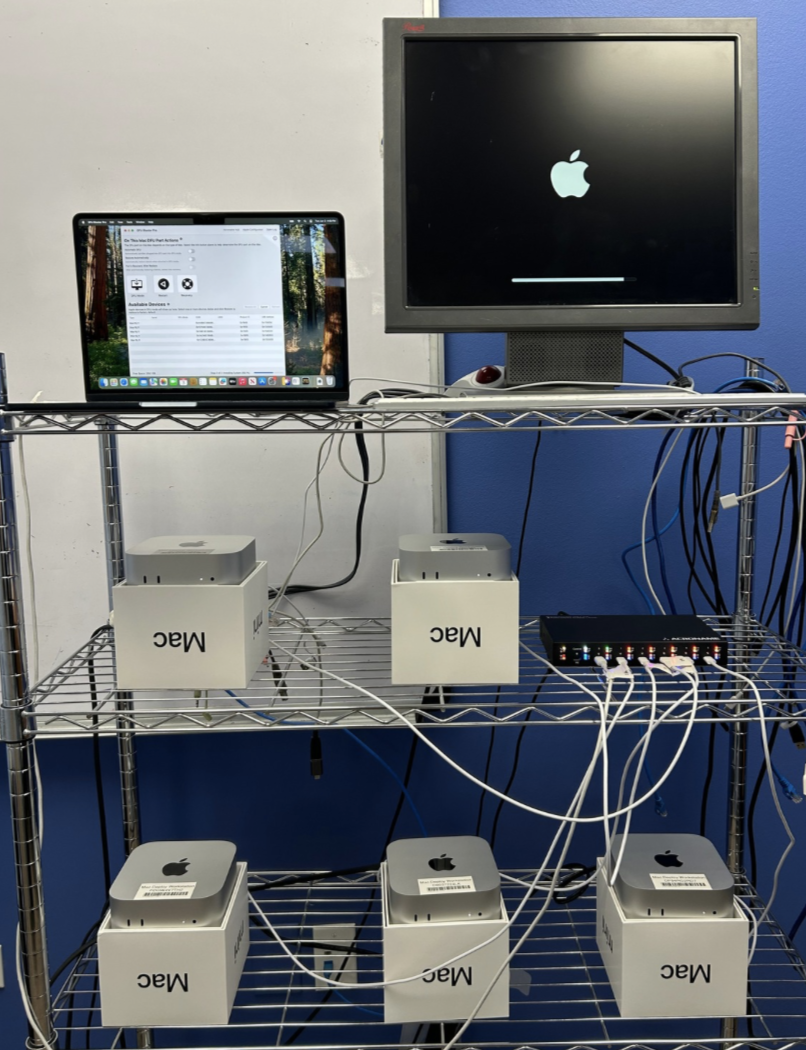

Without Erase and Restore at Scale solution, each Mac mini host can only erase and restore one Mac at a time.
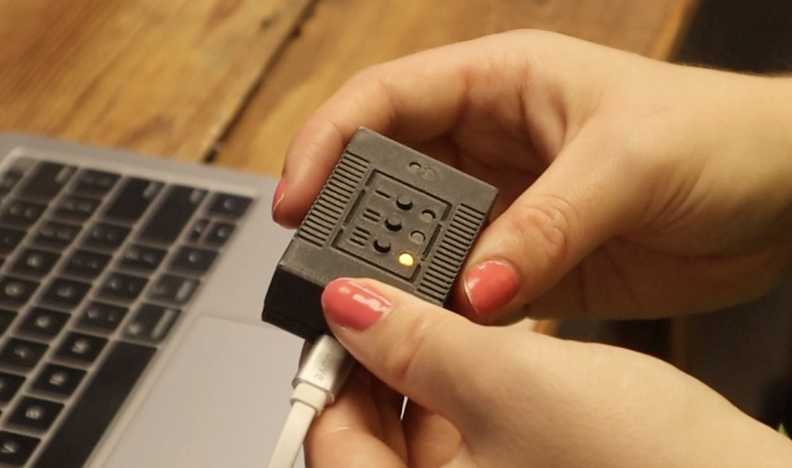
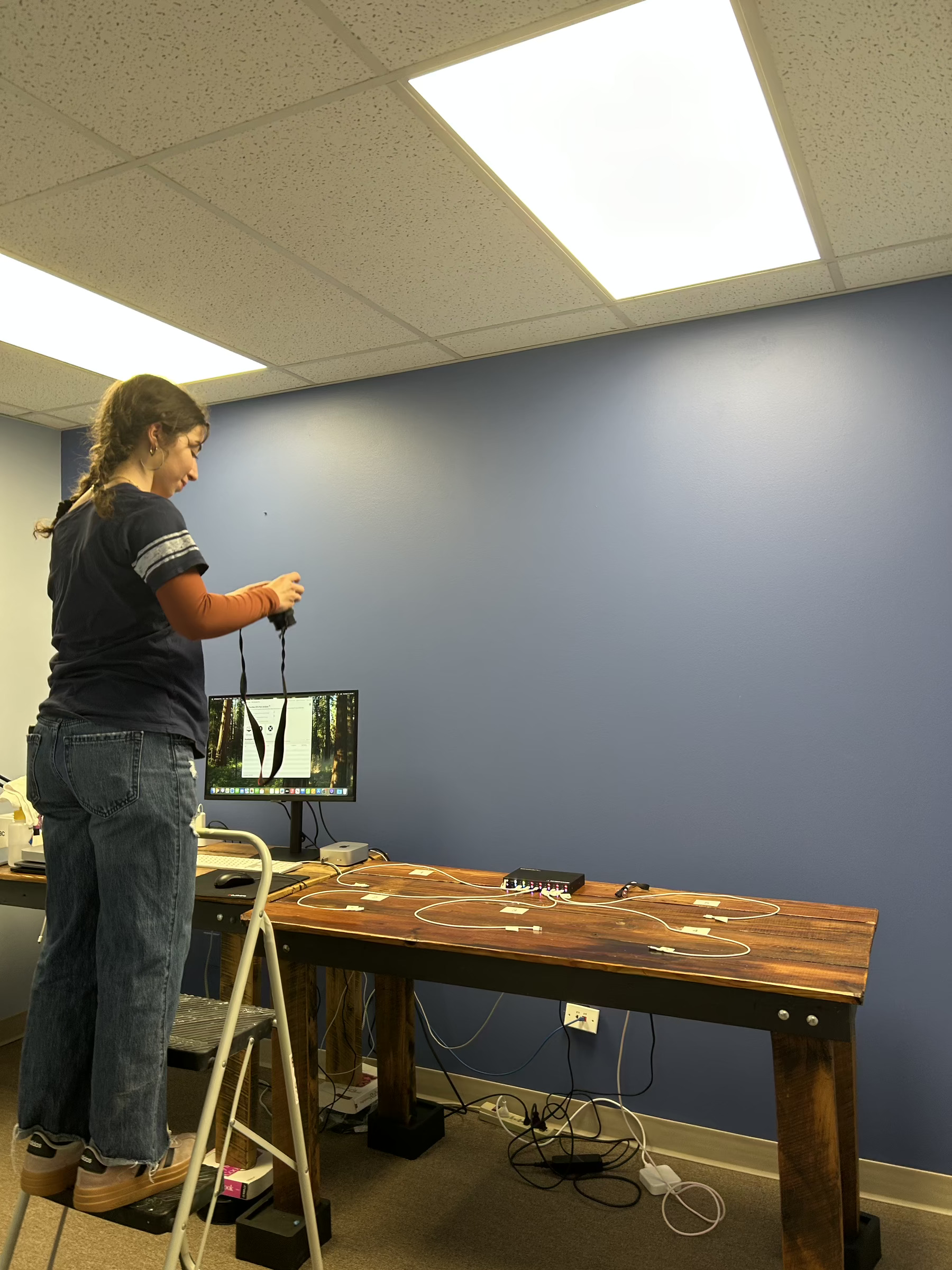
With DFU Blaster Pro and two Acroname Hub3c kits, up to 10 Macs can be securely erased and restored in under 40 minutes– Just set up, …
Without Erase and Restore at Scale solution, each Mac mini host can only erase and restore one Mac at a time.
With DFU Blaster Pro and two Acroname Hub3c kits, up to 10 Macs can be securely erased and restored in under 40 minutes– Just set up, …
When performing erase-and-restore at scale, managing workspaces and devices can be challenging.
Find what works for you- could be wire shelves, dish racks, or charging carts. Remember to keep boxes in the same order as Macs so serial numbers match. …
Continuous workflow: The same process can apply to continuous operations, Macs can be connected as they arrive and boxed and labeled when they are complete.
Batch workflow: Unbox a batch of Macs Keep track of the order of the boxes and the Macs to make sure they go back in the right boxes. Connect the macs to available USB cables Start printing labels Put the re-imaged Macs back in the matching boxes …
When deploying large numbers of new Macs, having to unbox and update devices manually one-by-one becomes a time consuming chore. Our Erase and Restore at Scale solution lets you work in batches instead, imaging up to 10 Macs in 40 minutes, or …
Our Erase and Restore solution for Apple devices enables management of large-scale deployment/redeployment and ensures that devices are securely wiped, restored, and ready to use. Perfect for student and staff laptop refreshes, enterprise-wide OS …
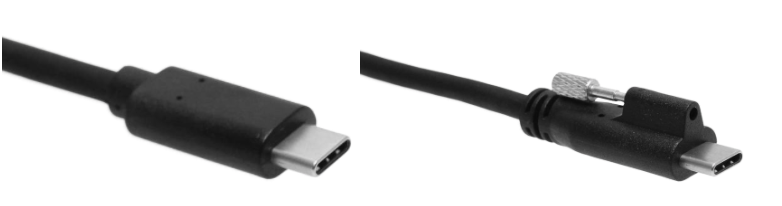
Our Erase and Restore solution for Apple devices includes USB-C cables with integrated screw locks to secure the cables to the hub, while leaving the device ends free to connect.
This solution provides data, device power and up to 45 W charging per …

Use Password Utility to automatically enter in your password in macOS. Don’t get annoyed, take control!

We just released Password Utility!
Automatically Unlock FileVault Automatically Fill In Local Password Touch ID for sudo Secure Token and Volume Owner Status
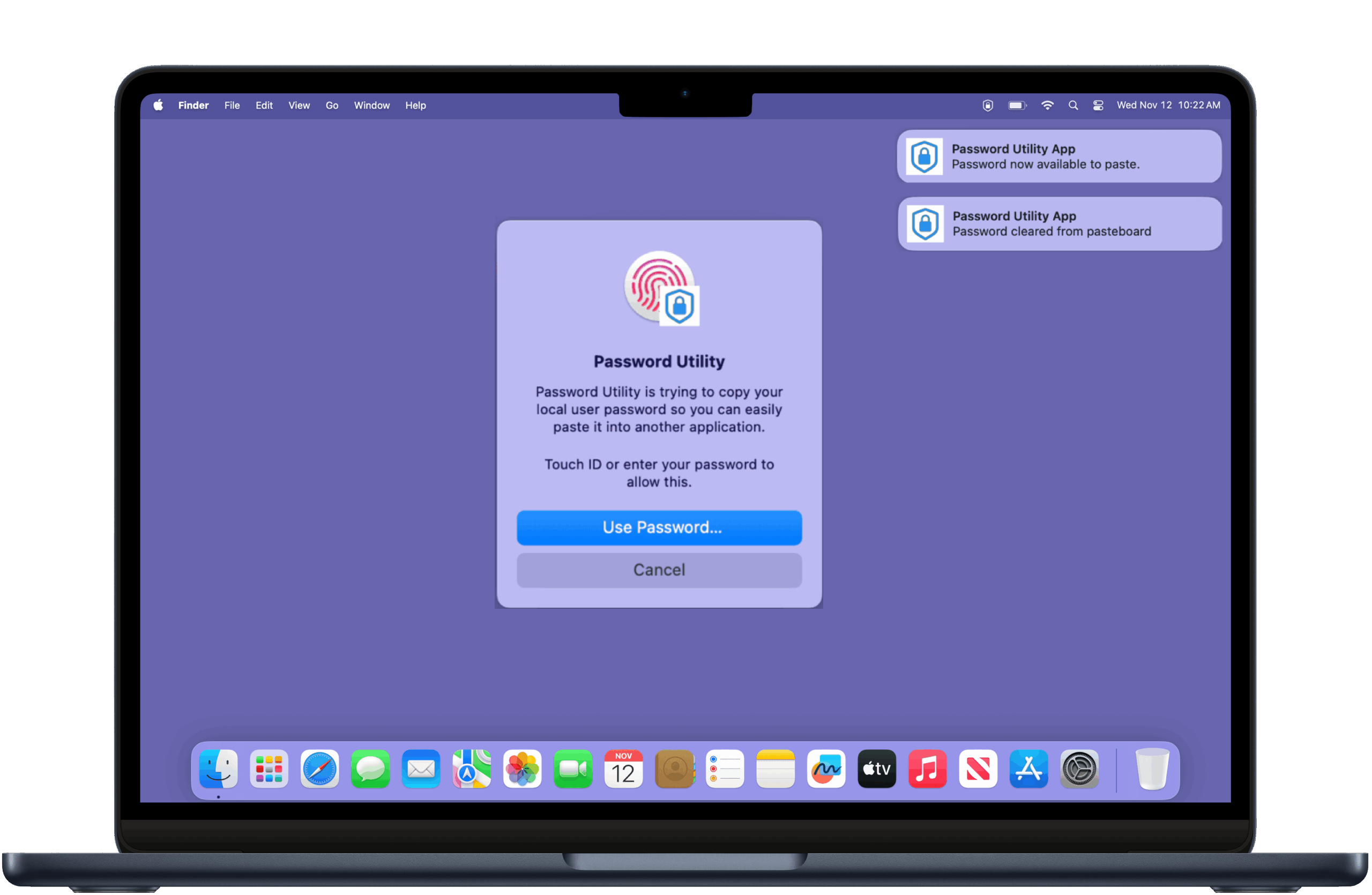
We wrote a app to unlock filevault at login so when you reboot it doesn’t stop at the FV screen. It should be nice for folks that need to reach remote machines that may lose power and you need remote access/mdm.
If you are heading to the Jamf National Users Conference in Denver next week, we love to see you! We will be joined by the folks from Acroname to discuss their DFU-capable USB-C hub. Stop by the meetings rooms or reach out at info@twocanoes.com to …
Some of our FAQs are about deploying license and settings configuration profiles in Jamf Pro. Here is a quick tutorial explaining how to Install License in Jamf Pro.
Learn more! twocanoes.com/products/…
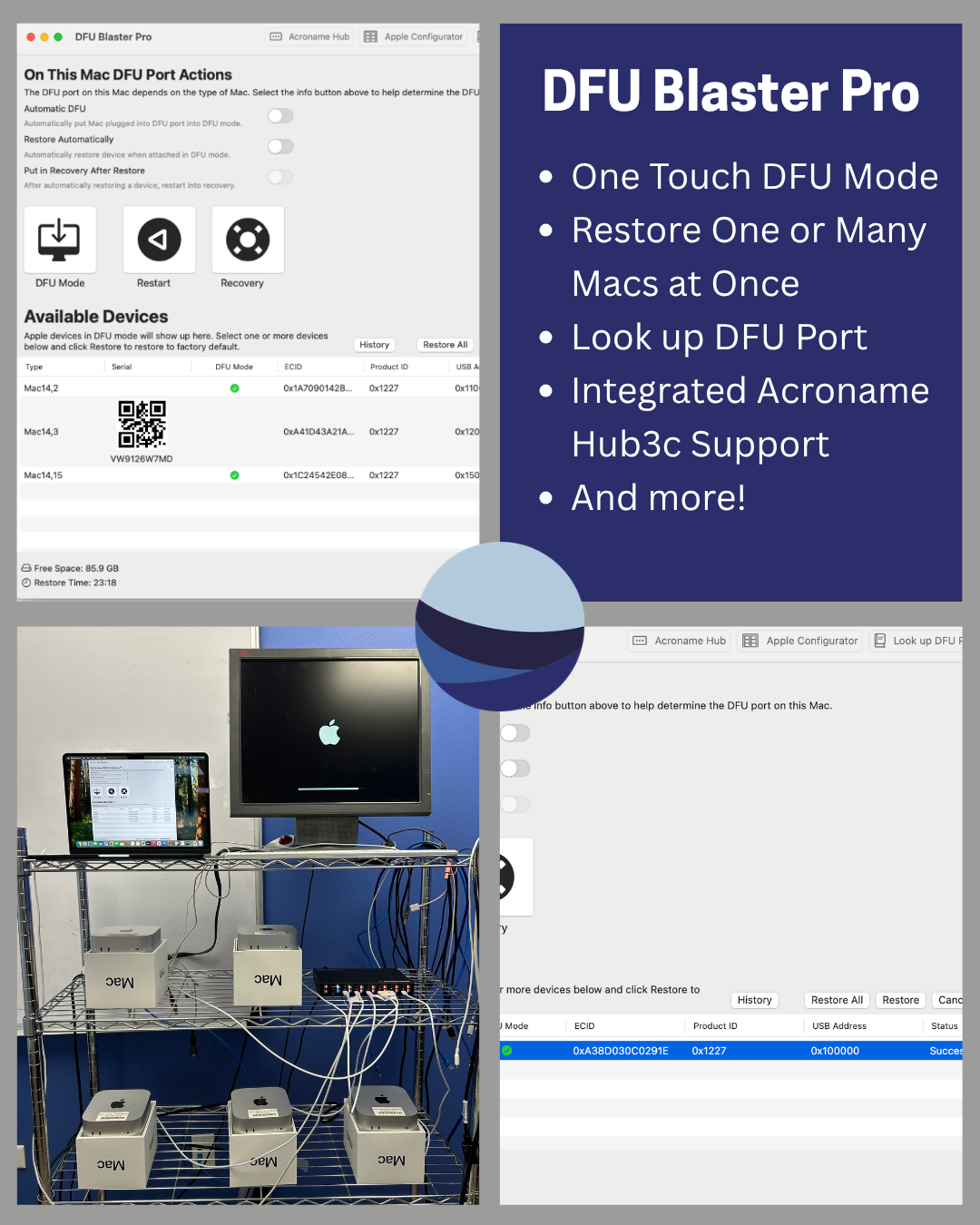
Erase and Restore for Macs is our solution that is built for scale. This solution works for Enterprise IT, Small Business, Education, and Refurbishment as well as with all types of Macs.
Learn more at twocanoes.com/products/… 😁
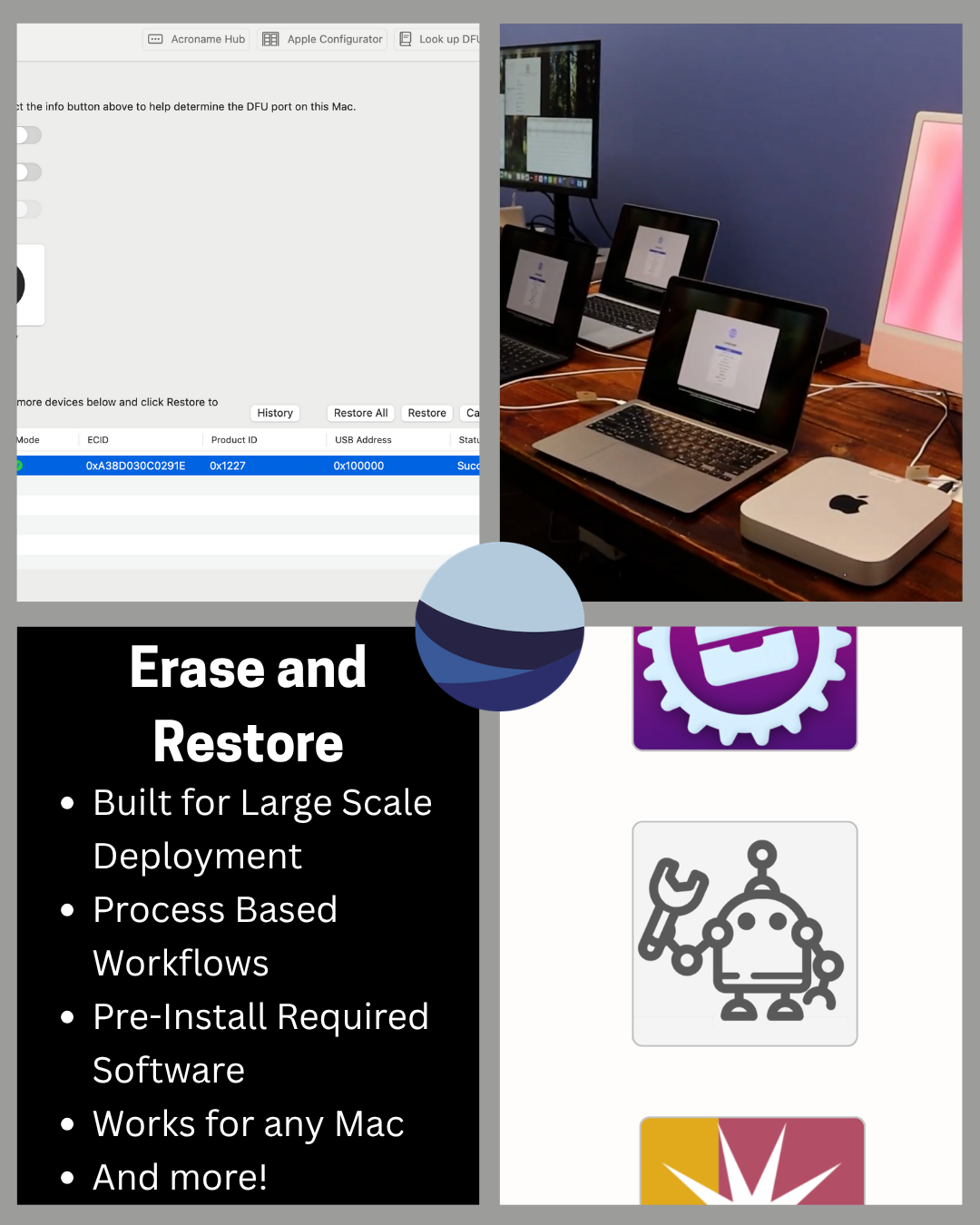
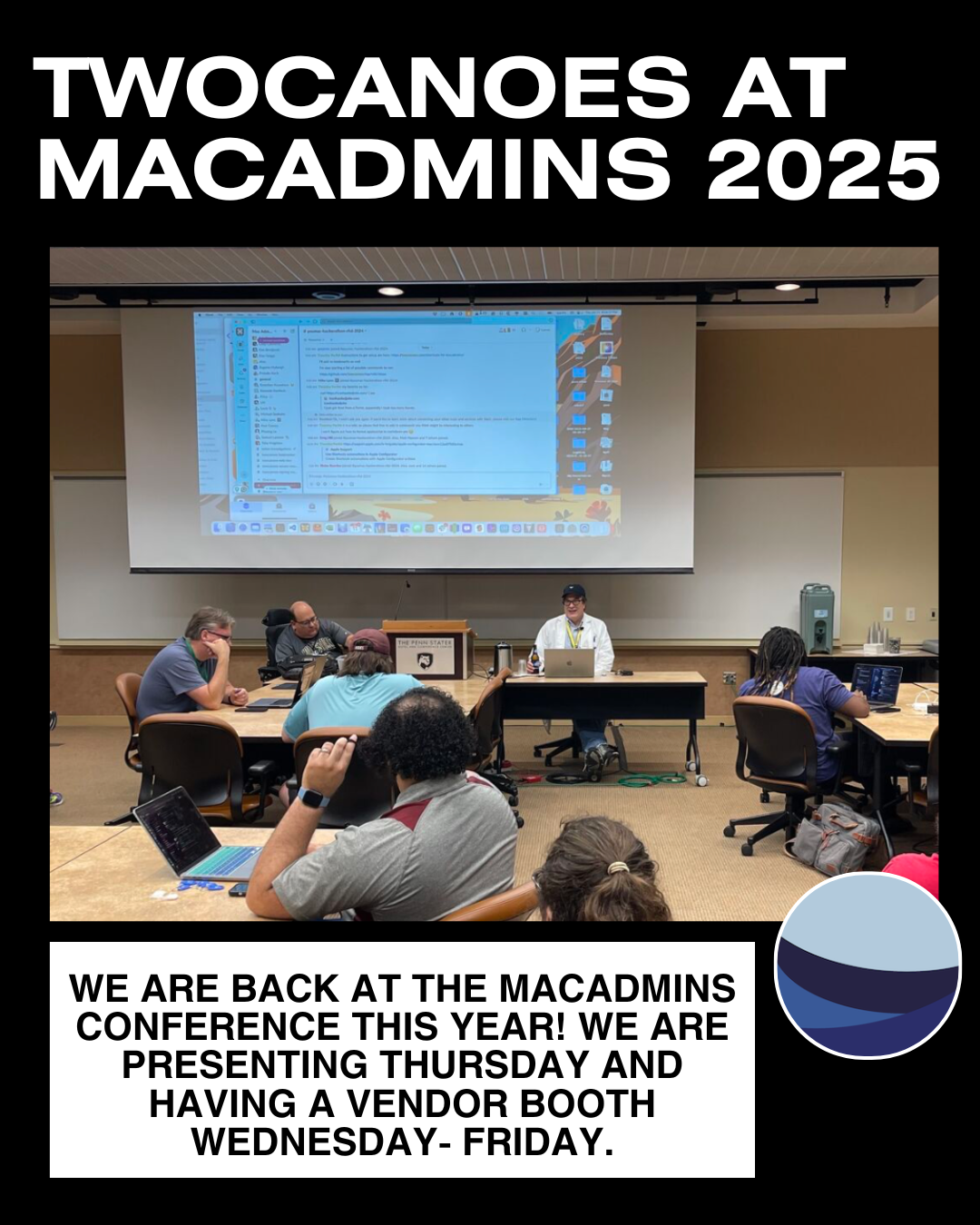
It is officially MacAdmins Conference Week! Don’t forget to stop by our table for a free Arduino (Wednesday-Friday), and to watch Timothy Perfitt speak (Thursday 17th) at 9am.
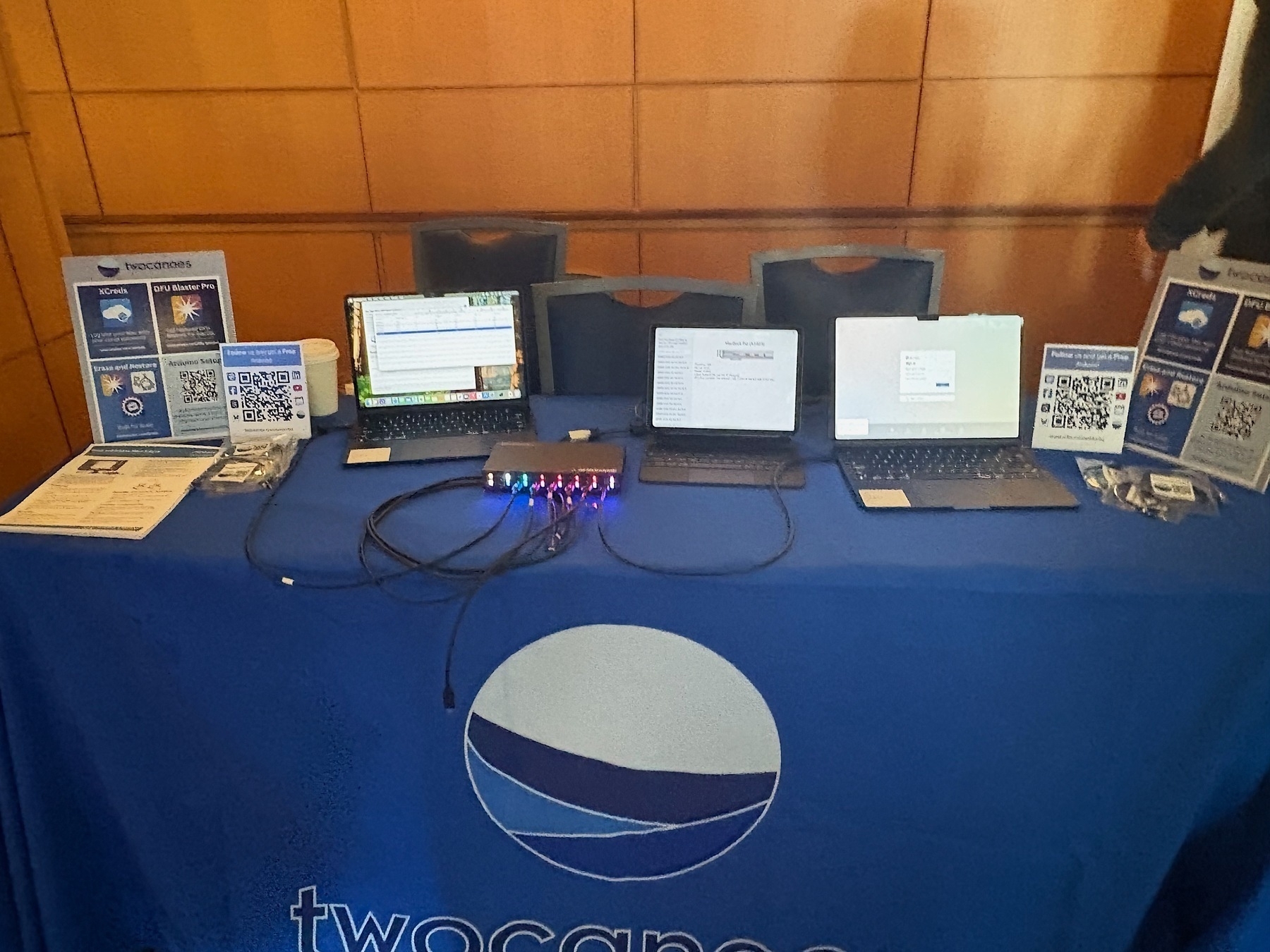
DFU Blaster Pro 4.0 has just been released!
Some new features include a history button, fixing the issue with sound preference, and adding a troubleshooting link to the help menu. To see all the new features go to twocanoes.com/knowledge…
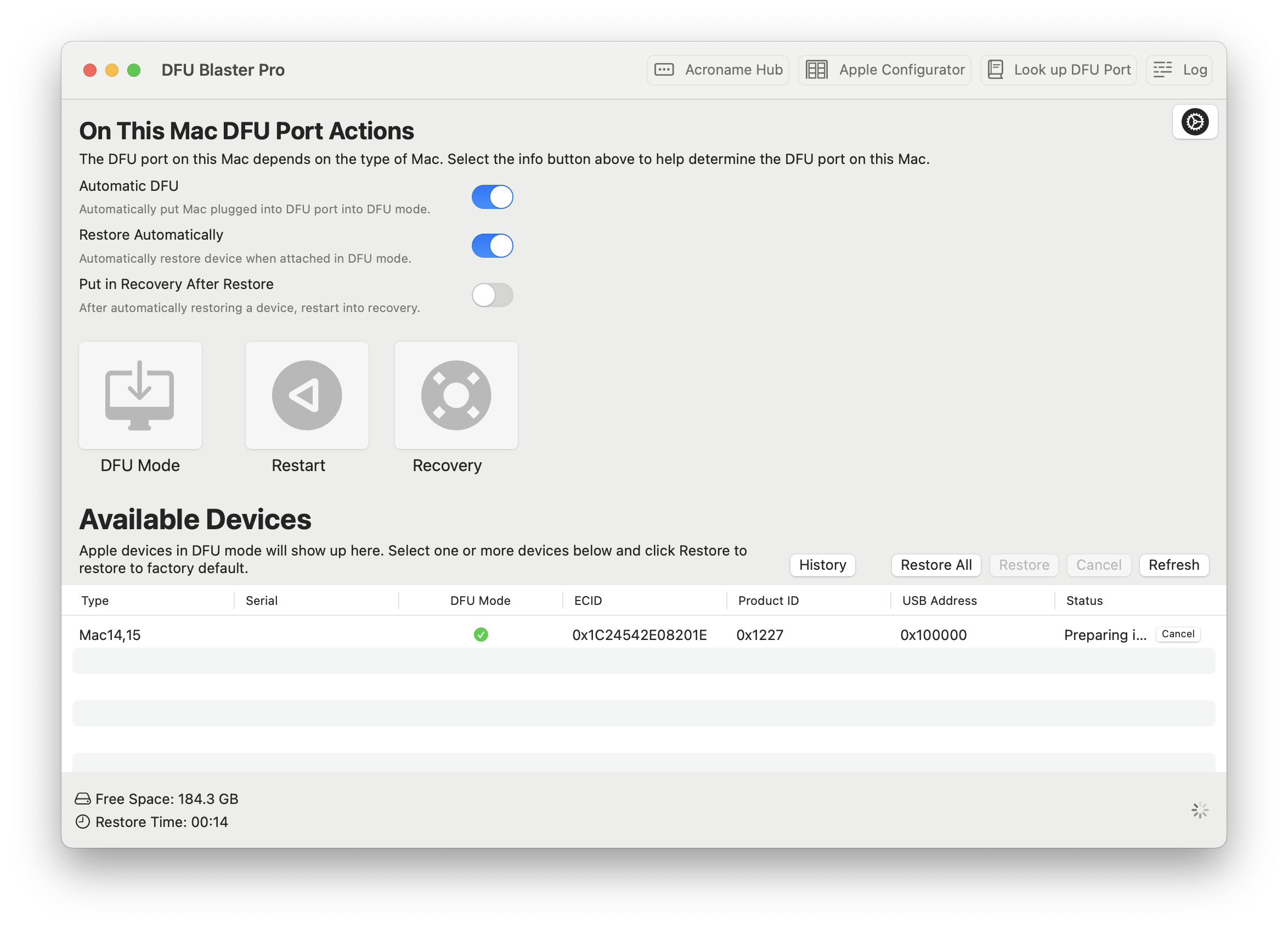
Join us at MacAdmins on Thursday, July 17th at 9am!! We will be presenting on how to Erase Macs at Scale. Learn how to set up your own system to erase and install macOS at scale.
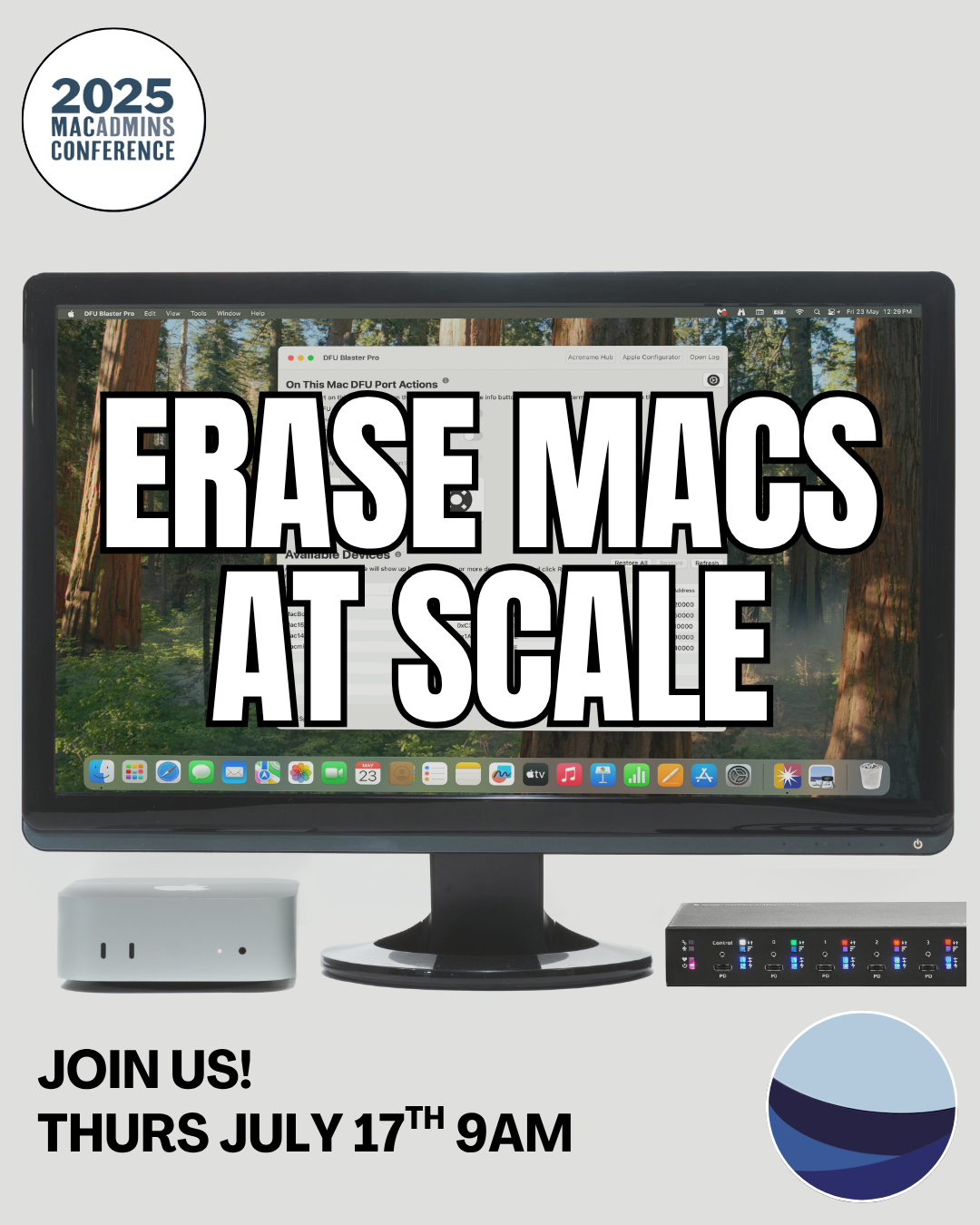
Only 3 weeks until MacAdmins 2025! Make sure to come watch our presentation on Erase and Restore (Thursday, July 17th), and stop by our vendor booth (July 16-18) to check out the swag we are giving away! 💻 😁 ✅
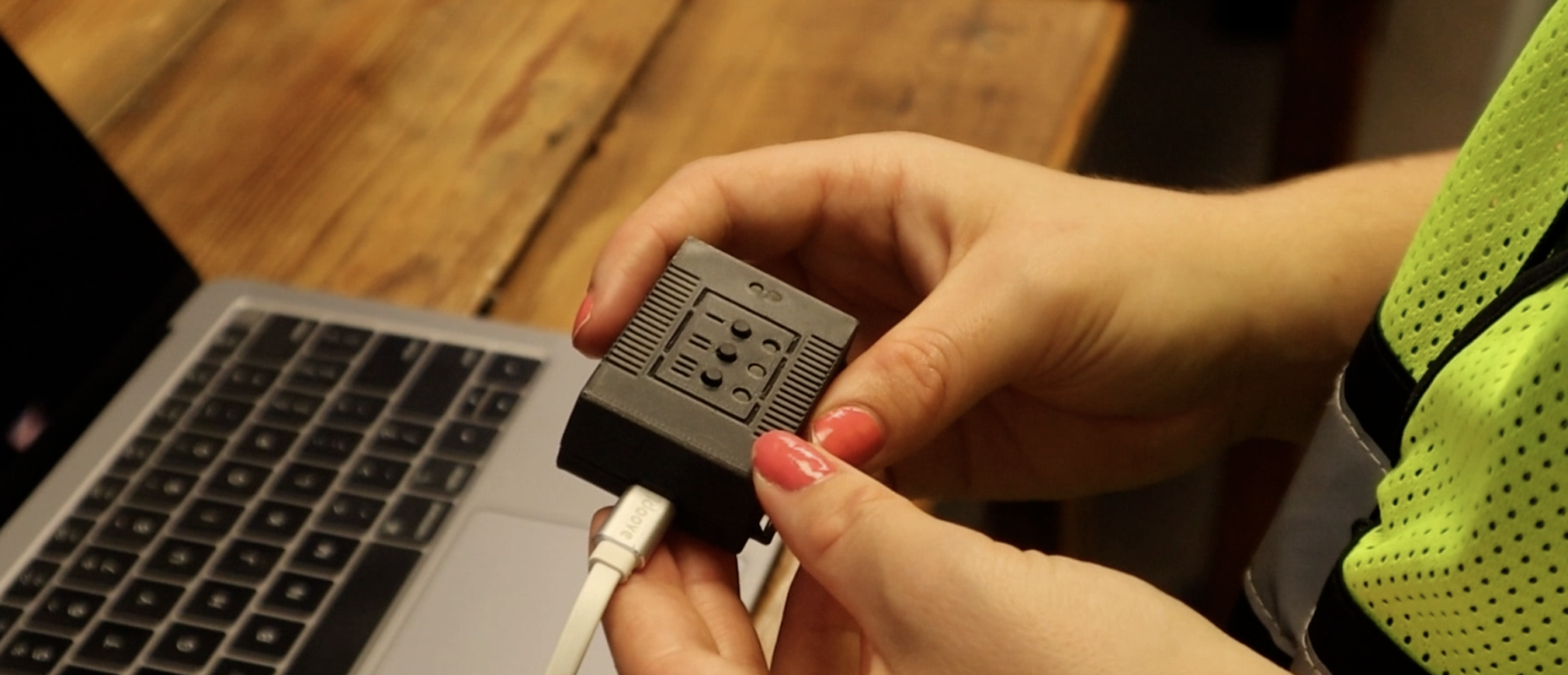
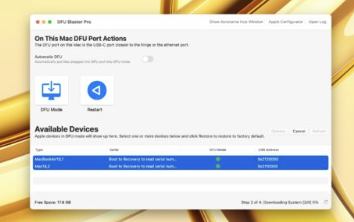
DFU restores on Apple Silicon Macs provides a quick and easy way to restore the current or a prior version of macOS. With DFU Blaster Pro, you can put a Mac into DFU mode with the press of a single button. twocanoes.com/knowledge…
Exciting things are coming!
Erasing and Installing Intel Mac Systems:
Here are video steps and written instructions to install an Intel Mac system.
a new tool for iphone/ipad/apple silicon mac. put in the model id (like a3420) and find out if it is an apple silicon mac, intel and where the dfu port is.
Introducing DFU Blaster Pro: DFU Blaster Pro makes it simple to put an Apple Silicon Mac into DFU mode to completely erase and install macOS in just a few minutes.
Read more and try it out today at twocanoes.com/introduci…
Curious about owning your content? This is about my fight to keep ownership and control of what I create (including our website, customer relationships, and payment processing). twocanoes.com/knowledge…